
SMART HOME
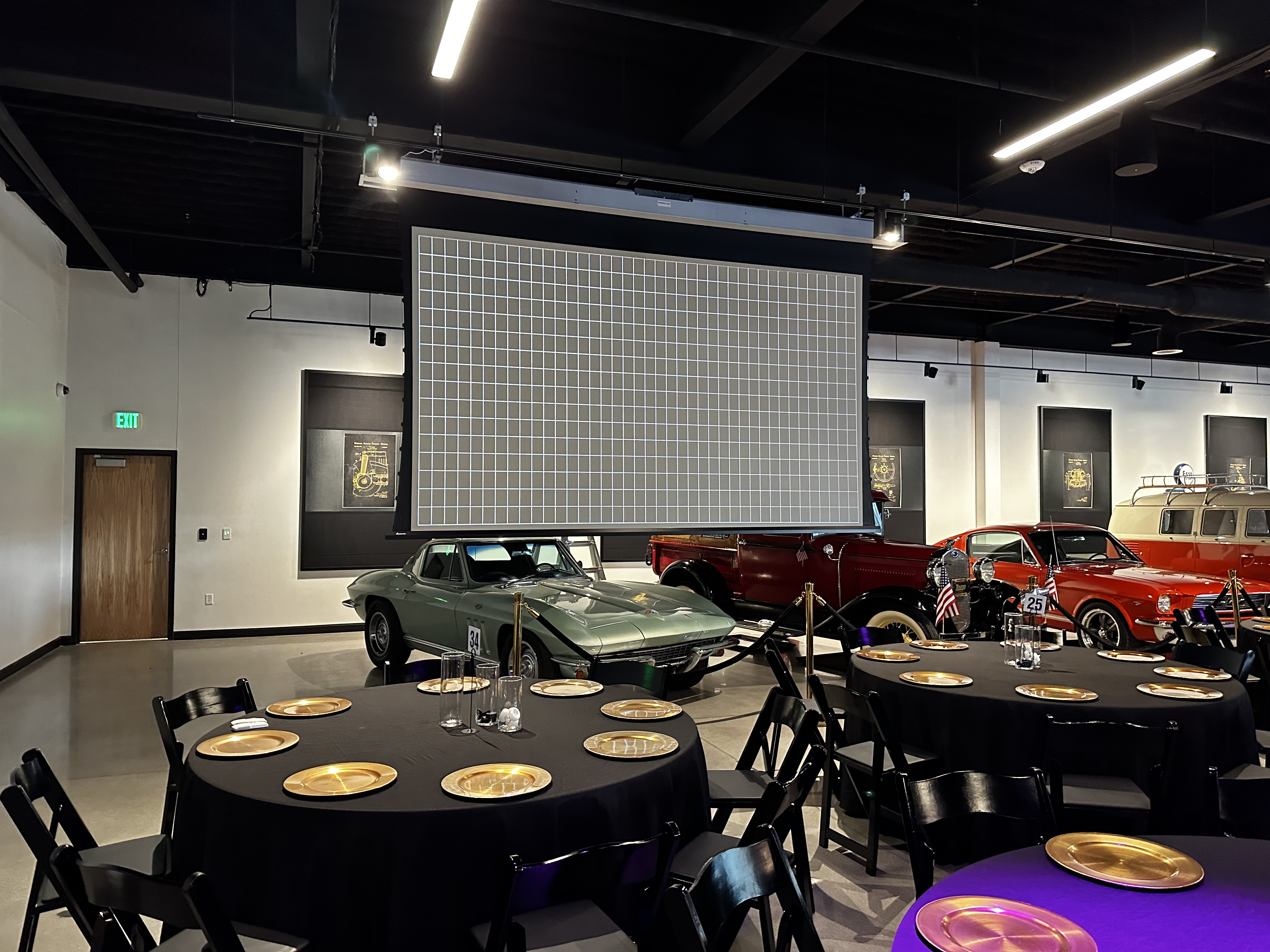
How to Integrate Draper LVC-IV Projector Screens with Control4 via the LVC-IP Bridge
Keywords: Draper screen Control4 integration, LVC-IV Control4, Draper LVC-IP Bridge, motorized projector screen Control4, Chowmain TCP UDP driver, Control4 projector screen automation
Integrating a Draper motorized projection screen into a Control4 automation system can be simple and powerful—if you know the correct protocol. In this guide, we’ll walk through how to use Draper’s LVC-IV low-voltage controller and the LVC-IP Bridge to automate screen movement using Control4 and the Chowmain Generic TCP/UDP Command driver.
This solution allows Control4 to send raw UDP hex commands to the Draper screen via IP—no IR, contact closures, or serial converters required.
? Required Hardware
- Draper LVC-IV Controller
- Draper LVC-IP Bridge
- Control4 Controller running OS 3.1.3 or newer
- Chowmain Generic TCP/UDP Command Driver for Control4
? Understanding Draper’s LVC-IP Bridge
The LVC-IP Bridge is a network adapter that enables IP control of Draper motorized screens. When paired with the LVC-IV module, it can receive UDP packets formatted in hexadecimal. Draper provides a sample IP configuration screen like this:

We recommend assigning the LVC-IP Bridge a static IP on your AV VLAN and noting the UDP port number (usually 12343).
You can download the full Draper LVC-IP Bridge instruction manual here.
? UDP Hex Commands for Screen Control
The LVC-IV requires control via raw hexadecimal values. Below are the required command bytes for Channel 1 / ID 1:
| Action | UDP Hex Command |
|---|---|
| DOWN | 0x9A 0x01 0x01 0x00 0x0A 0xEE 0xE4 0x0A |
| UP | 0x9A 0x01 0x01 0x00 0x0A 0xDD 0xD7 0x0A |
| STOP | 0x9A 0x01 0x01 0x00 0x0A 0xCC 0xC6 0x0A |
? Composer Pro Configuration
- Install the Chowmain Generic TCP/UDP Command driver into your project.
- In the Programming tab, choose an event trigger (like a keypad or touchscreen button).
- Choose Send Generic UDP Command from the driver.
- Enter:
- IP Address: The static IP of your Draper LVC-IP Bridge
- UDP Port: As shown on the device screen (typically 12343)
- Command: Use the hex values shown above
? Adding Experience Buttons (Optional)
For touchscreen or app control, add Programming Experience Buttons to the room:
- Name them:
Screen Up,Screen Down,Screen Stop - Set them to Visible in Navigator
- Use Composer Pro to program each button to send the corresponding UDP command
? Troubleshooting Tips
- Make sure your Control4 controller and the Draper IP Bridge are on the same subnet
- Use UDP, not TCP
- Enter all hex bytes correctly and in the required format:
0xNNseparated by spaces - The final byte
0x0Ais a required line feed
? Conclusion
This Control4 + Draper integration is a clean, professional-grade solution for any AV installer looking to automate projection screens without relays or IR. Using the LVC-IP Bridge and Chowmain’s driver gives you reliable UDP control using officially documented hex commands—perfect for commercial and high-end residential projects alike.
? Need Expert Help?
Need help integrating Draper projection screens, video walls, or full-room AV automation? Contact Brivy IT — we specialize in Control4 AV design, deployment, and automation for Utah and beyond.