Building a Smart Data Retention Policy for Your Utah Business
Client Support Brivy IT Contact Us Blog How To Videos & Shortcuts Transform the Guest Experience: Why Utah Businesses Choose DirecTV for Business Join Us for the Herriman BNI Group Launch Breakfast Free Domain Analysis Products and Services Microsoft Business-Grade IT Hardware Solutions from Brivy IT Lenovo Solutions From Brivy IT Physical Security Unified Communications…
Remote Work Security for Utah Businesses: Protecting Your Team Beyond the Office
Client Support Brivy IT Contact Us Blog How To Videos & Shortcuts Transform the Guest Experience: Why Utah Businesses Choose DirecTV for Business Join Us for the Herriman BNI Group Launch Breakfast Free Domain Analysis Products and Services Microsoft Business-Grade IT Hardware Solutions from Brivy IT Lenovo Solutions From Brivy IT Physical Security Unified Communications…
Cyber Insurance for Utah Businesses: What It Covers, What It Costs, and What You Need to Qualify
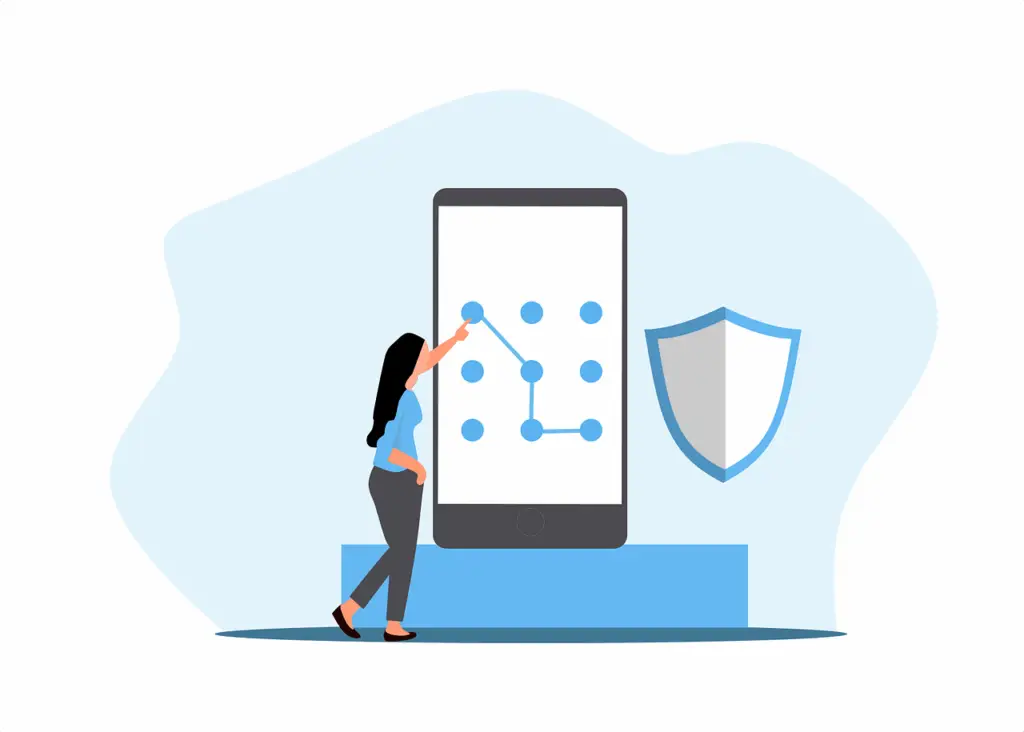
The Utah Business Owner’s Guide to Passwords, MFA, and Account Security
Client Support Brivy IT Contact Us Blog How To Videos & Shortcuts Transform the Guest Experience: Why Utah Businesses Choose DirecTV for Business Join Us for the Herriman BNI Group Launch Breakfast Free Domain Analysis Products and Services Microsoft Business-Grade IT Hardware Solutions from Brivy IT Lenovo Solutions From Brivy IT Physical Security Unified Communications…
How to Integrate Draper LVC-IV Projector Screens with Control4 via LVC-IP Bridge
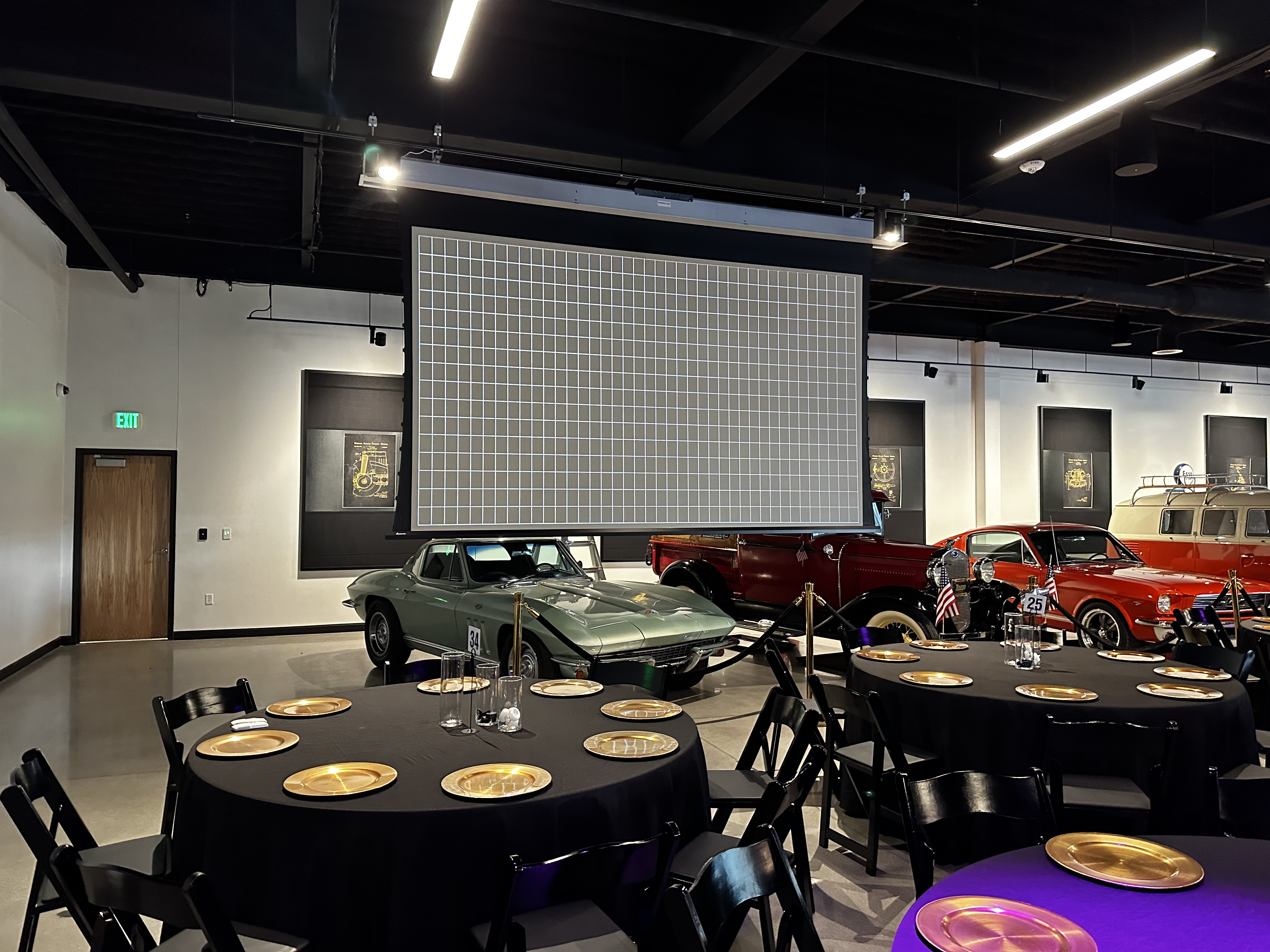
This Control4 + Draper integration is a clean, professional-grade solution for any AV installer looking to automate projection screens without relays or IR. Using the LVC-IP Bridge and Chowmain’s driver gives you reliable UDP control using officially documented hex commands—perfect for commercial and high-end residential projects alike.
Ransomware Protection for Utah Businesses: What Actually Works in 2025
Windows 11 for Utah Businesses: Why Hardware Matters and What to Do Now
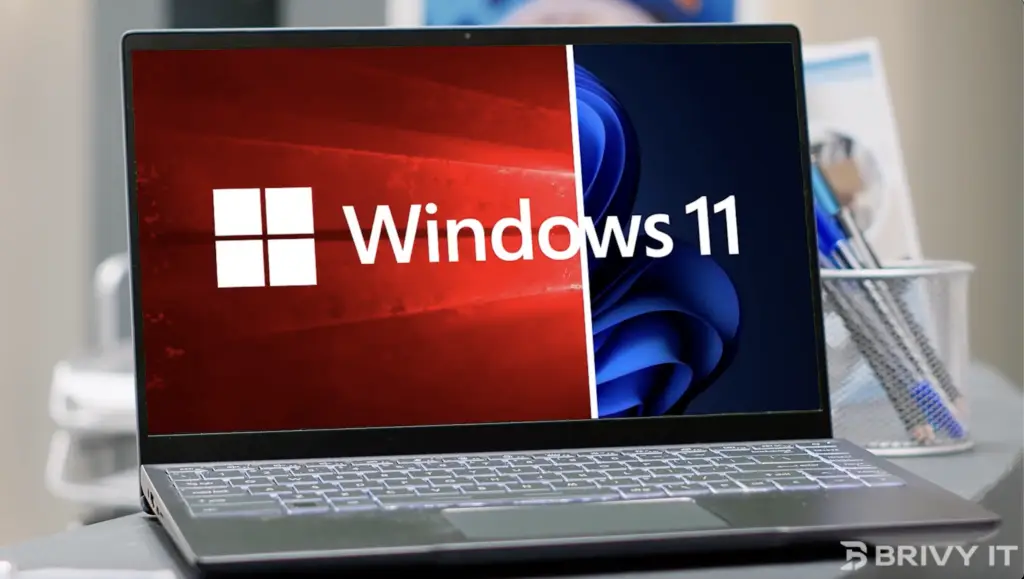
Picture this: You’ve upgraded to Windows 11, eager for its sleek design and productivity boosts, but your system crawls, errors pile up, and security updates won’t install. Why? Your hardware isn’t up to par. Windows 11’s requirements—like TPM 2.0 and modern processors—aren’t just tech jargon; they’re your shield against cyberattacks and downtime. With Windows 10 support ending October 2025, sticking with outdated systems isn’t an option—it’s a risk. Upgrading now isn’t just smart; it’s essential. Read on to learn how the right hardware, paired with our MSP expertise, can future-proof your business.
Business Backup and Cloud Storage: What Utah Companies Actually Need
AI for Utah Businesses: A Practical Guide to Using It Without Getting Burned
What to Do After a Data Breach: A Step-by-Step Guide for Utah Businesses